
The immobilization feature allows you to disable the vehicle’s ignition, preventing unauthorized individuals from operating the vehicle without your permission. Additionally, a security PIN can be implemented to ensure that only the authorized user has the ability to immobilize the vehicle.
Please Note: The steps outlined in this document should be followed to configure the immobilization rights for Admin, Reseller and Company accounts.
- Login to your account.
- Go to Settings > General > Admin/Reseller/Company.
- Double-click on the account for which you want to set immobilization.
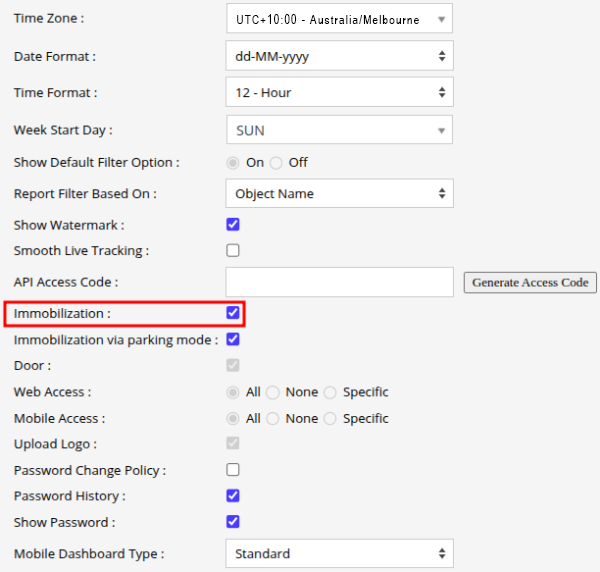
Please Note:
The user will require a security pin (if it has been configured for the respective entity) each time the user wants to initiate the immobilization function.
Enable Security Pin refer the document for more details.