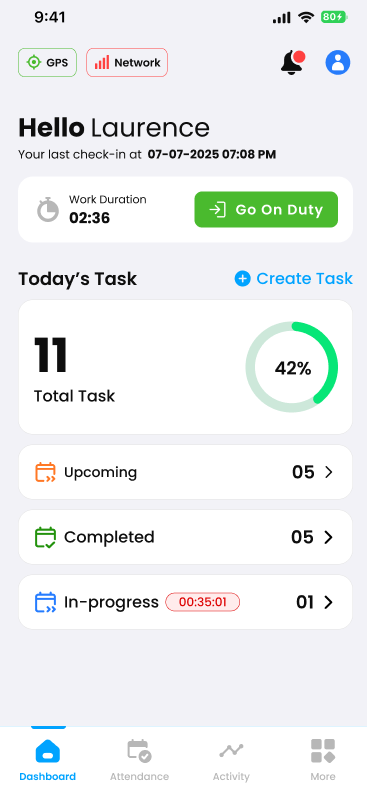
This guide details all in-app notifications and pop-up alerts, including their definitions and trigger conditions.
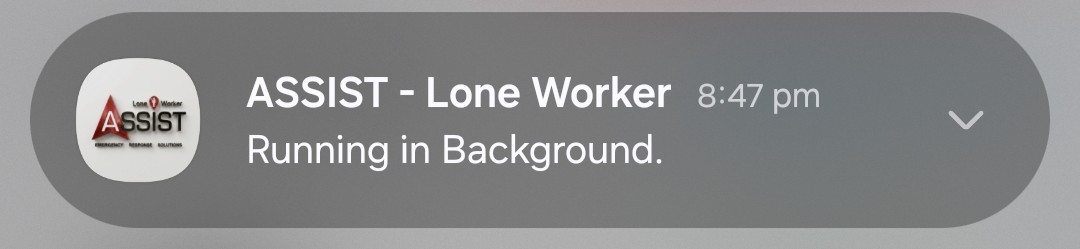
ASSIST – Lone Worker Running in Background
This notification simply lets you know that you are currently clocked on and the app is running smoothly in the background. It confirms that your safety tracking, location details, and SOS triggers are fully active and monitoring as they should be. No action is required—your phone is just keeping you informed that you’re protected.
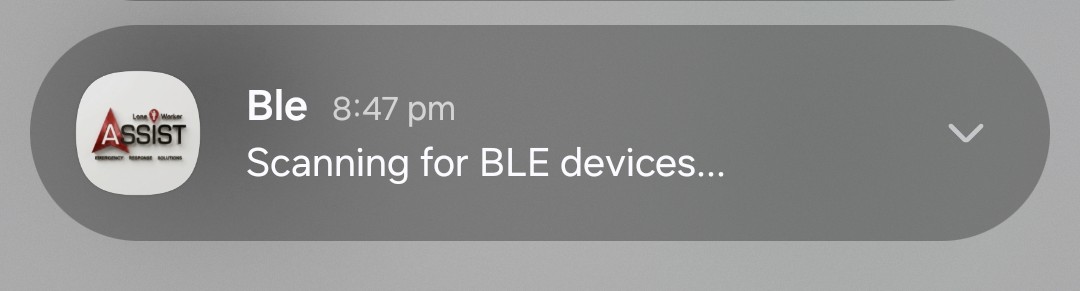
Ble Scanning for BLE Devices
This notification means the app is actively running a background check to maintain a highly reliable link with your safety fob (BLE device). Even if your fob is already connected, the app continuously scans in the background to monitor signal strength and ensure that, if a disconnection ever happens, you are notified instantly.
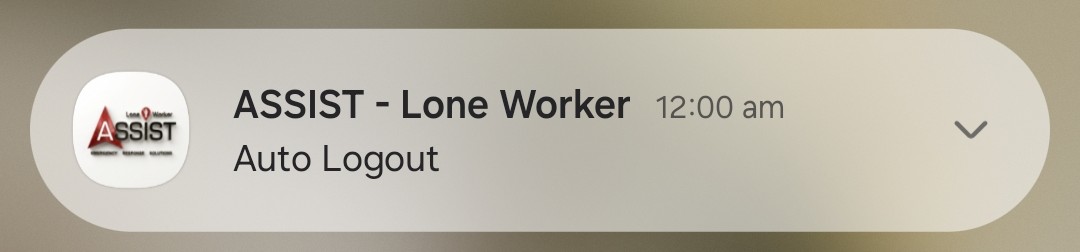
ASSIST – Lone Worker Auto Logout
This alert means the system has automatically updated your status to Off Duty. This happens automatically every day at midnight if you haven’t already clocked off manually.
Please note: This DOES NOT sign you out of the app. You are still fully logged in, but your shift tracking is paused until you go back on duty.
SOS Alert: “Device Name”
This in-app alert indicates that an SOS alarm has been activated by your device (Example: System Device 1). This notification is purely informational to let you know the distress signal went through, and it will automatically clear from your screen after 30 seconds.

“Device Name” Disconnected
This in-app pop-up informs you that your mobile phone has lost connection with your physical safety fob (BLE device) (Example: System Device 2). This typically happens if the two devices are separated by a distance of 5 to 10 meters, depending if there is obstruction by walls and doors.
Crucial Safety Action: To ensure your SOS features work instantly when needed, both your safety fob and your mobile phone must remain on your person at all times.

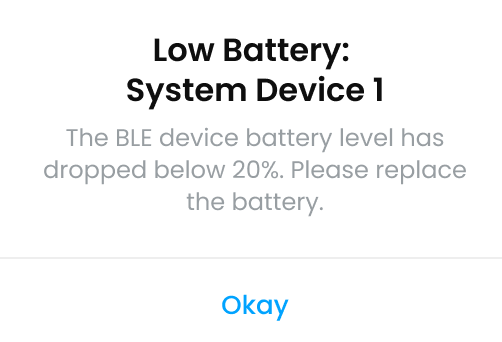
Low Battery: “Device Name”
This in-app pop-up lets you know that your safety fob’s (BLE device) (Example: System Device 1) battery has dropped below 20%. Depending on how often it’s used, the fob battery typically lasts between 6 to 12 months.
Note: You can check your exact battery status at any time directly within the mobile app or via the web platform dashboard.
How to check BLE battery life on mobile app
To check your safety fob’s (BLE device) battery level at any time, follow these simple steps:
-
Open the ASSIST Mobile App.
-
Tap More in the bottom right corner of the screen.
-
Select BLE Devices from the menu.
-
Your connected devices and their current battery life will be displayed on this screen.