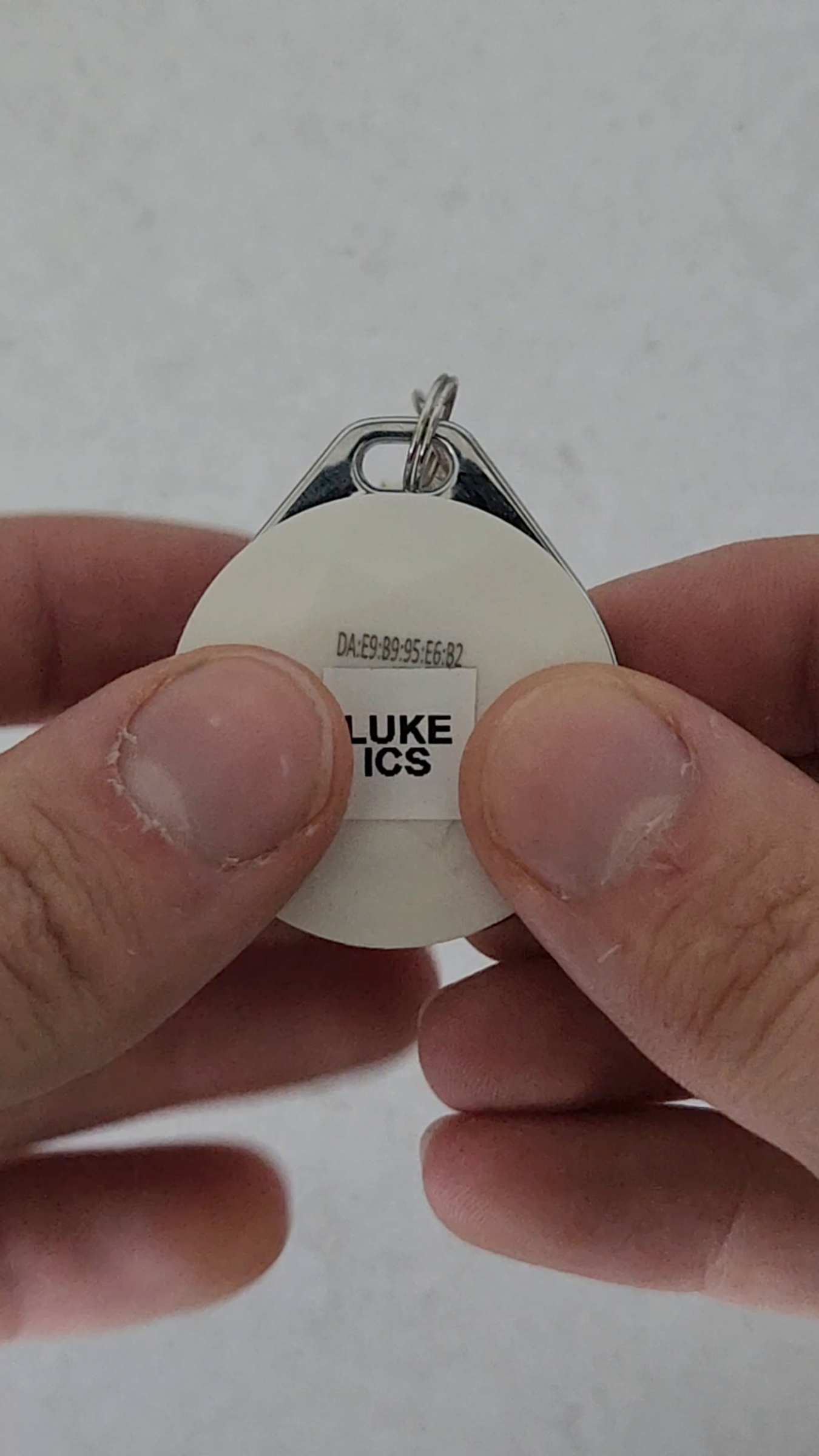
Please watch the video to learn how to change the battery in your BLE Device.
1. Opening Device and Battery Access
To change the battery on your BLE device, simply turn the device upside down and
at the bottom you will see a small tab. Using a fingernail or something small, pry that
open. From there you will see the battery.
2. Removing And Replacing Battery
Simply pull the battery out and replace it with a new one.
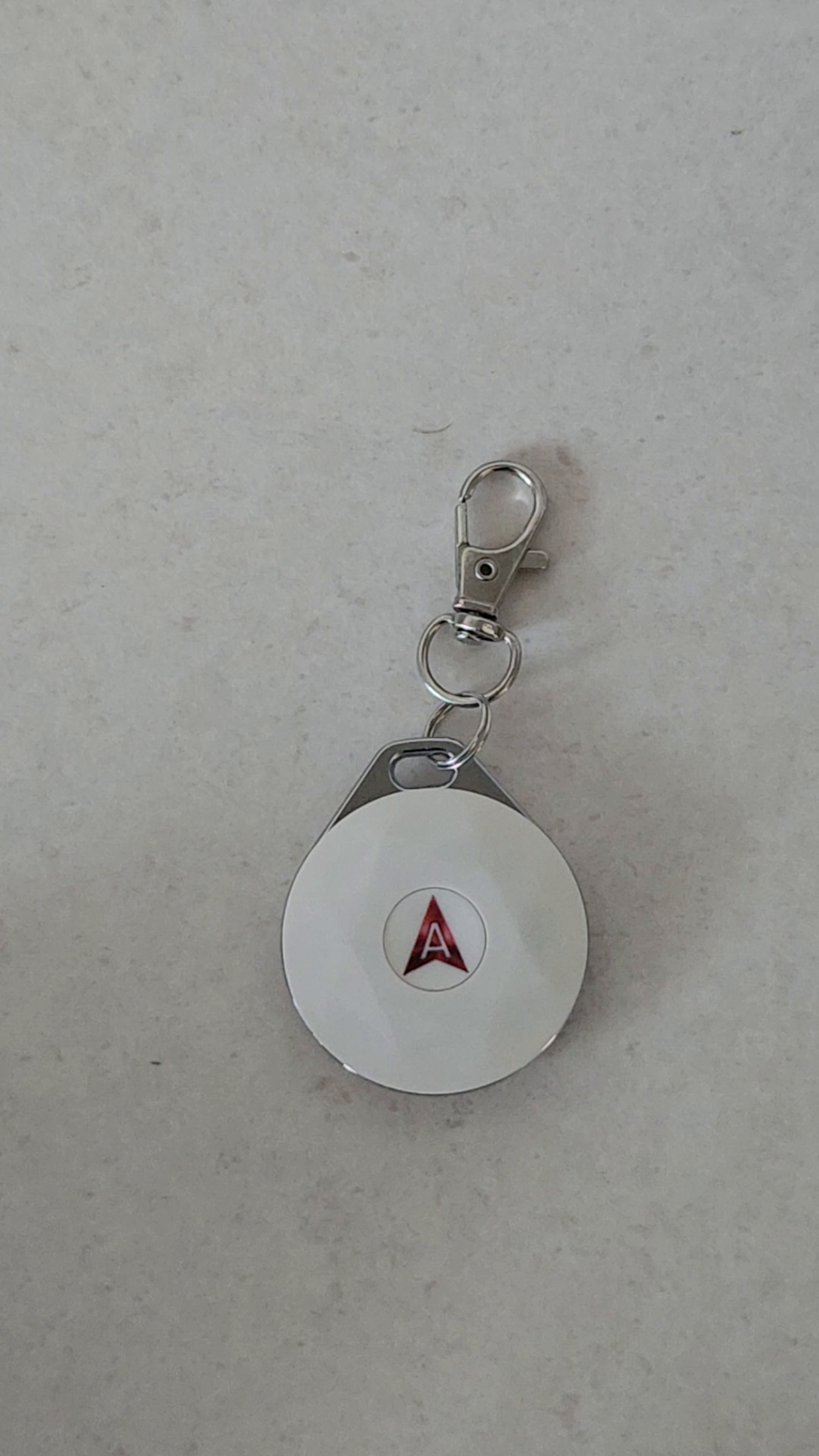
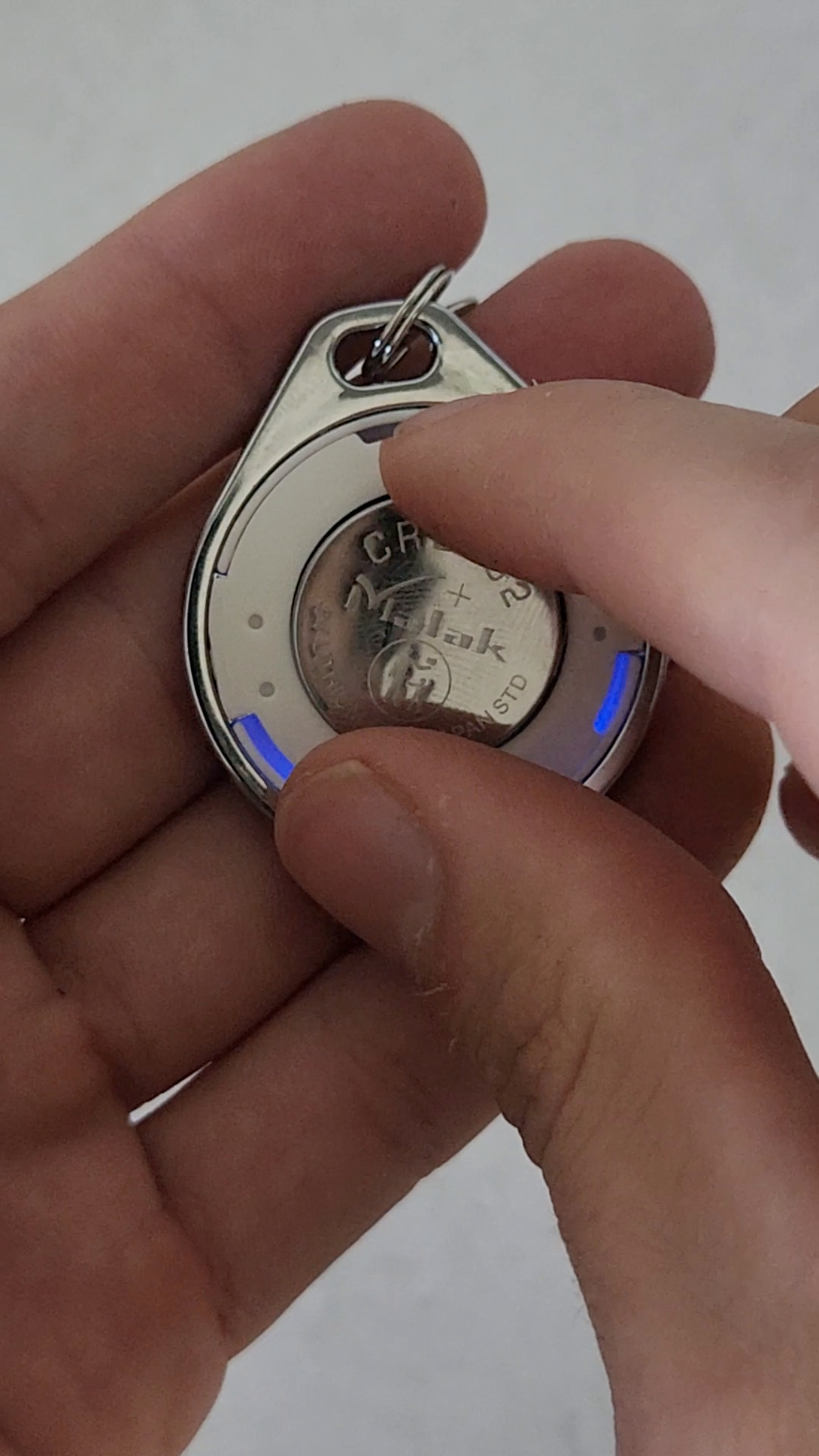
3. Sealing Device and Blue Indicator
Push the lid back on, making sure it is sealed all the way around you will see a blue
indicator light
4. Device Reconnection Procedure
From here, once the blue light has gone away, simply click and hold the button for
three seconds, and the indicator will flash blue. This is to tell you that the device is
back on and connected. The device will not flash blue again unless the battery is
replaced.