Please watch the video to learn how to trigger an SOS alarm using the ASSIST Lone Worker App.
1. Mobile SOS Alarm Instructions
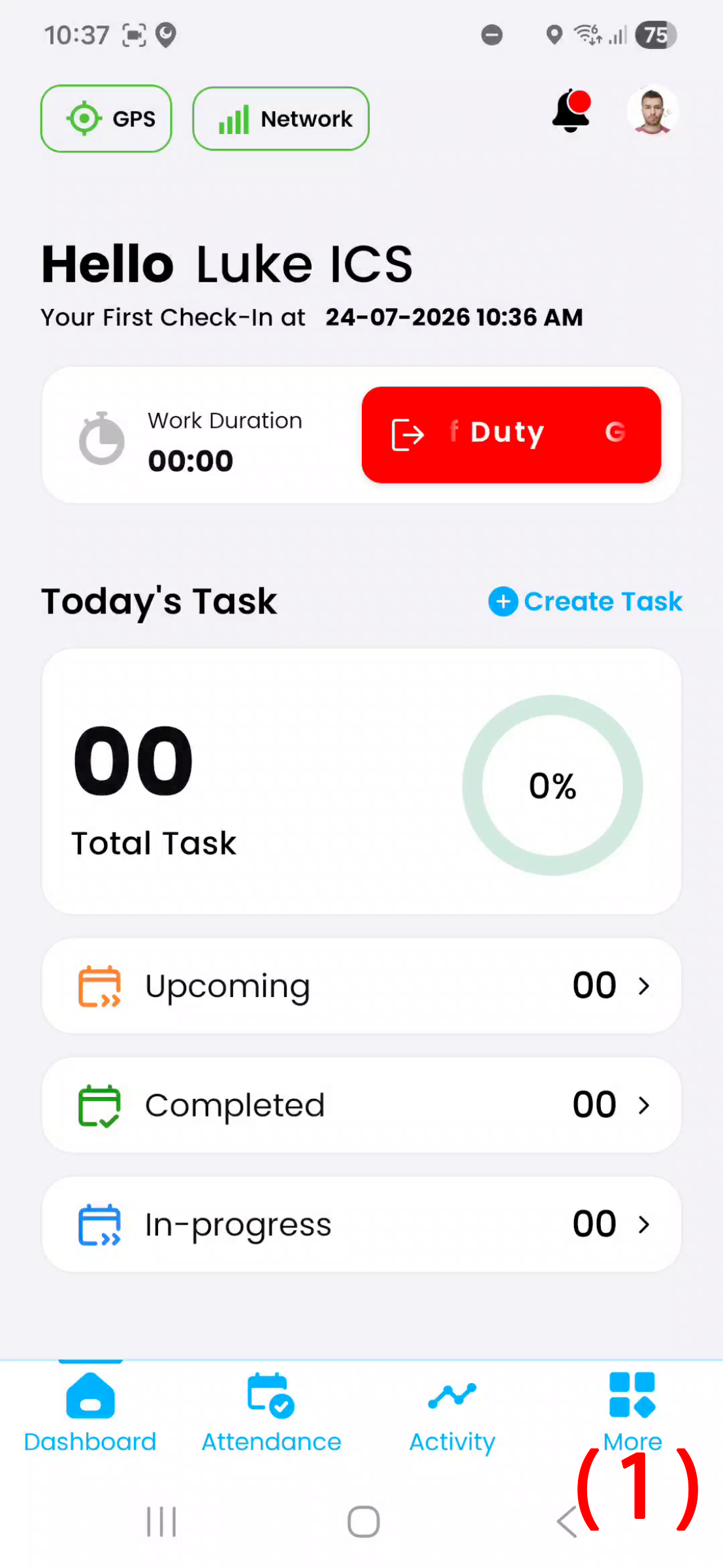
To raise an SOS alarm using your mobile application. While being on duty, simply
tap more in the bottom right corner. (1)
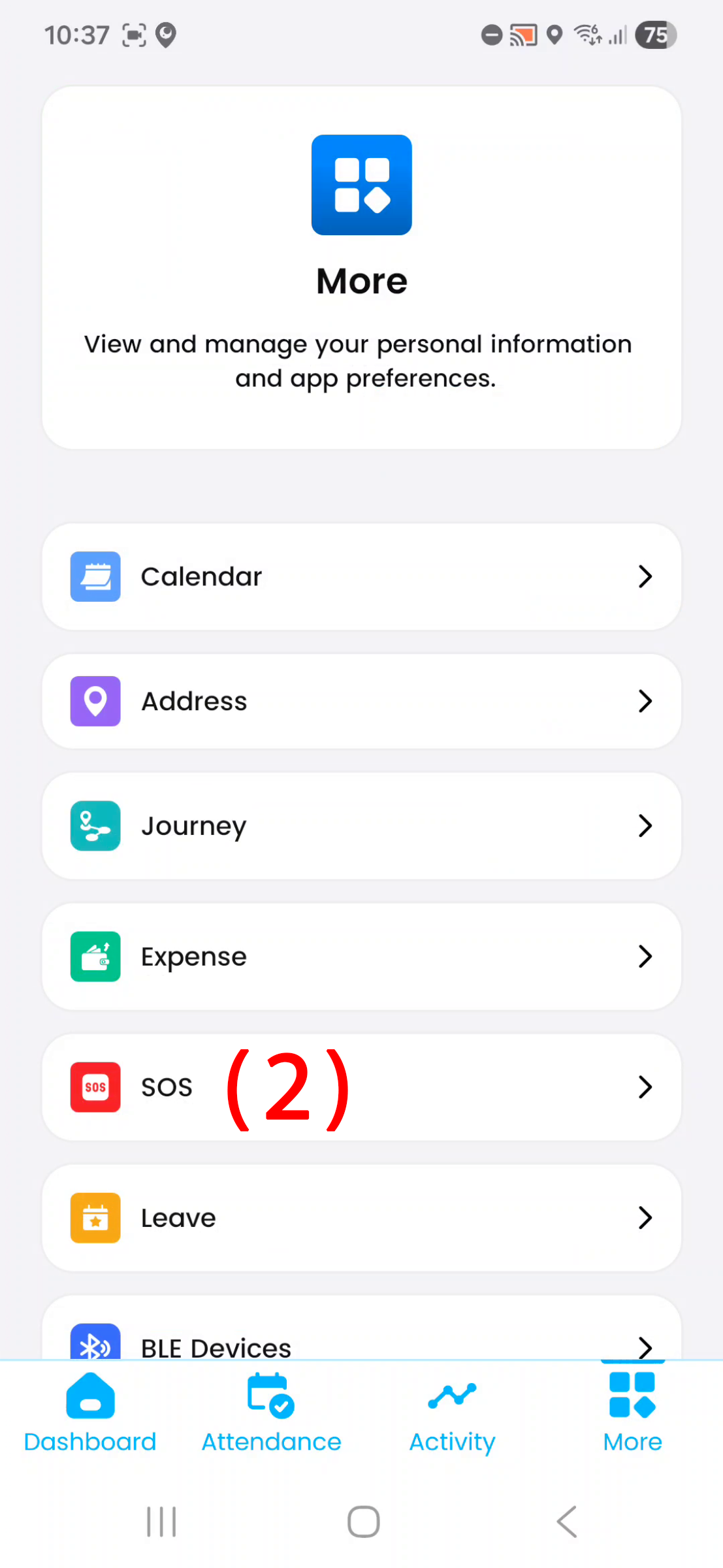
2. Mobile SOS Alarm Instructions
Then select SOS (2)
3. Mobile SOS Alarm Instructions
From here press send emergency SOS (3)