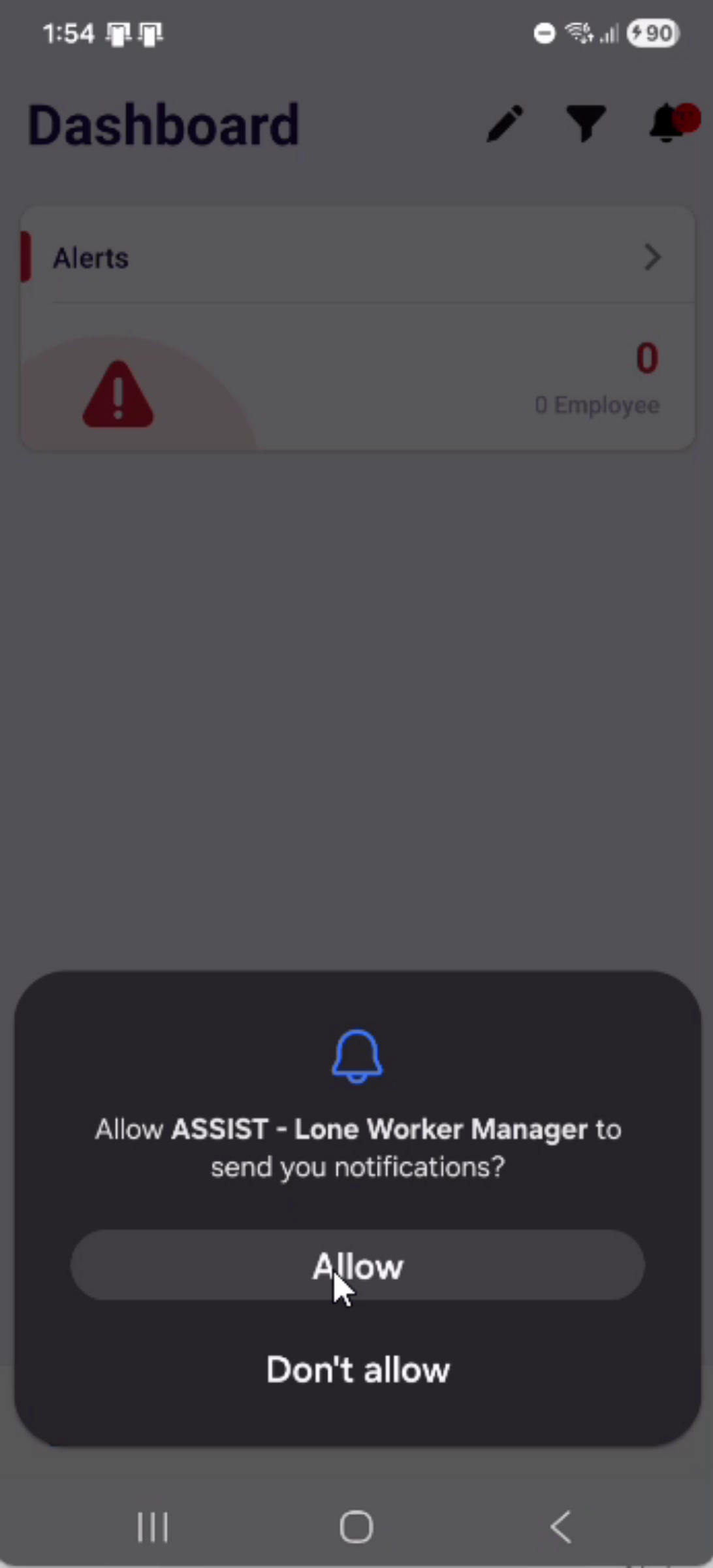
Please watch the video to learn how to install the ASSIST Lone Worker Manager app to your phone (iOS and Android).
- Introduction To App Download
Today we are going to learn how to download and log in to the Assist Lone Worker Manager app.
- Choosing App Store Platform
If you are on an Apple iPhone, you will need to use the App Store. If you are on an Android phone, you will need to use the Play Store. For today’s example, we will be using the Play Store (1). In the search bar (2), search for Assist Lone Worker Manager (3).


- Installing Assist Loan App
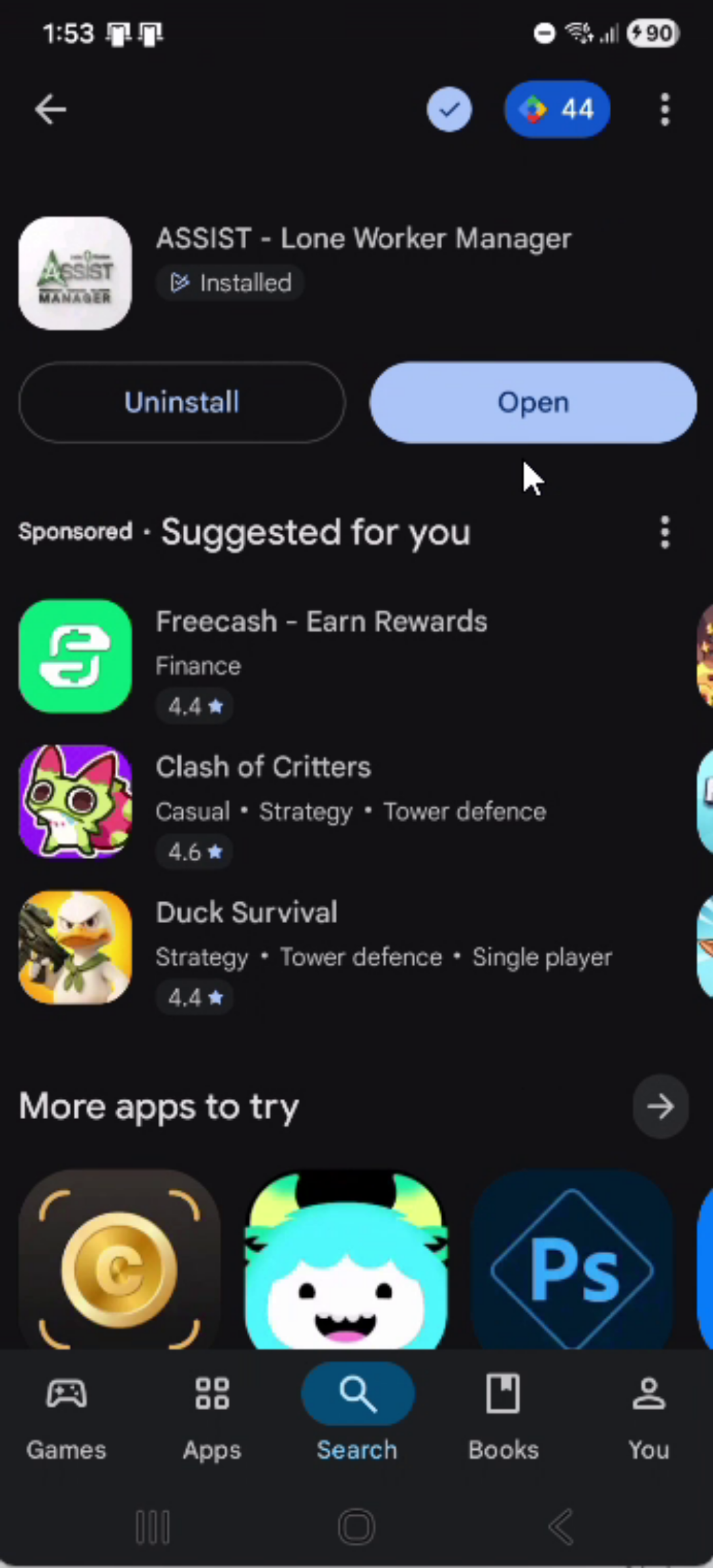
Select Assist Lone Worker Manager by intrinsic choice solutions and press install.
- Opening App After Download
Once the download is complete, open the app
- Entering Login Credentials
Enter your username, which will be your email. And enter your password.
- Sign In and Permissions
Press sign in. It is up to you if you want to allow your phone to save your password.

- Notification Permission Prompt
Allow the app to send you notifications.